
Free Digital Menu QR Code Generator
Create a digital menu for all items that can edit anytime. Unlimited scans & never expire.










What is a Menu QR code
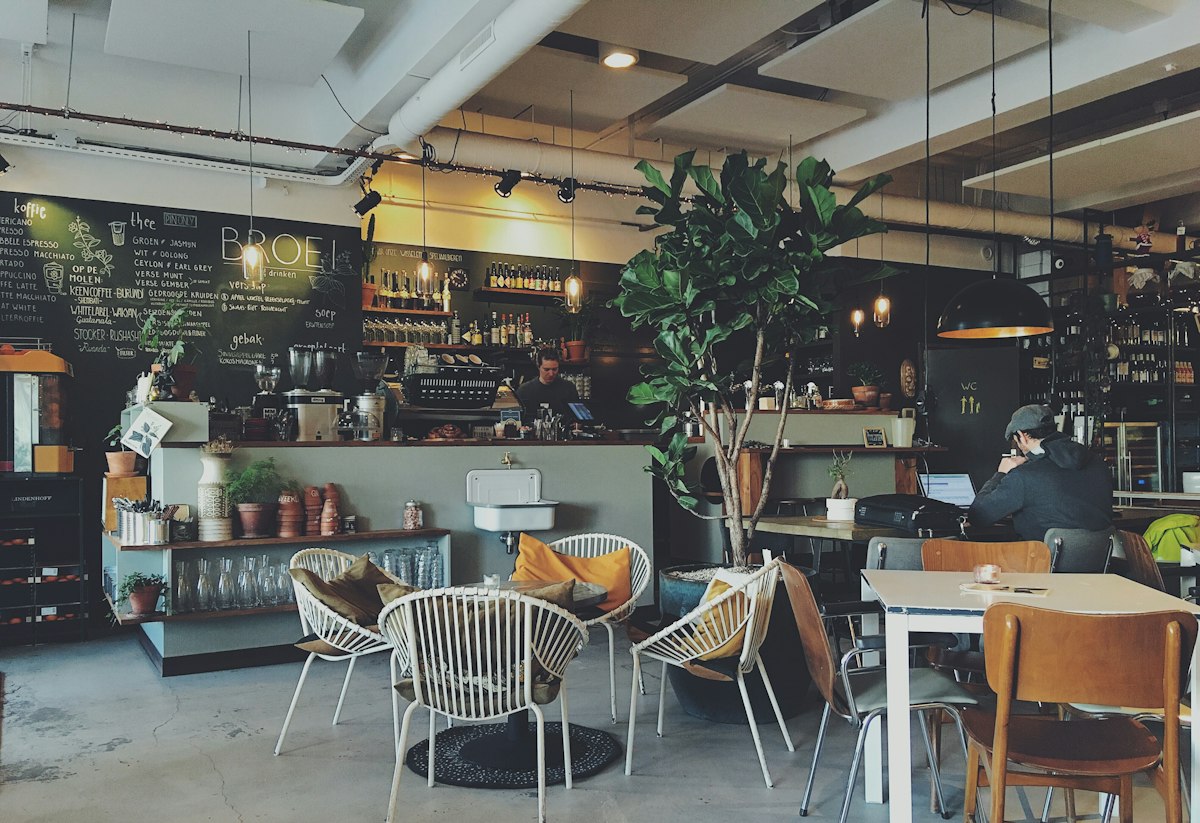
A Menu QR code is a digital menu solution. It show your restaurant menu in a clean, mobile-friendly page instead of PDF file which is hard to read on mobile device.
This is a dynamic QR code, so you can update your items with new images, new prices anytime without reprinting the QR code.
How to create Menu QR code for free
Step 1: Add restaurant info
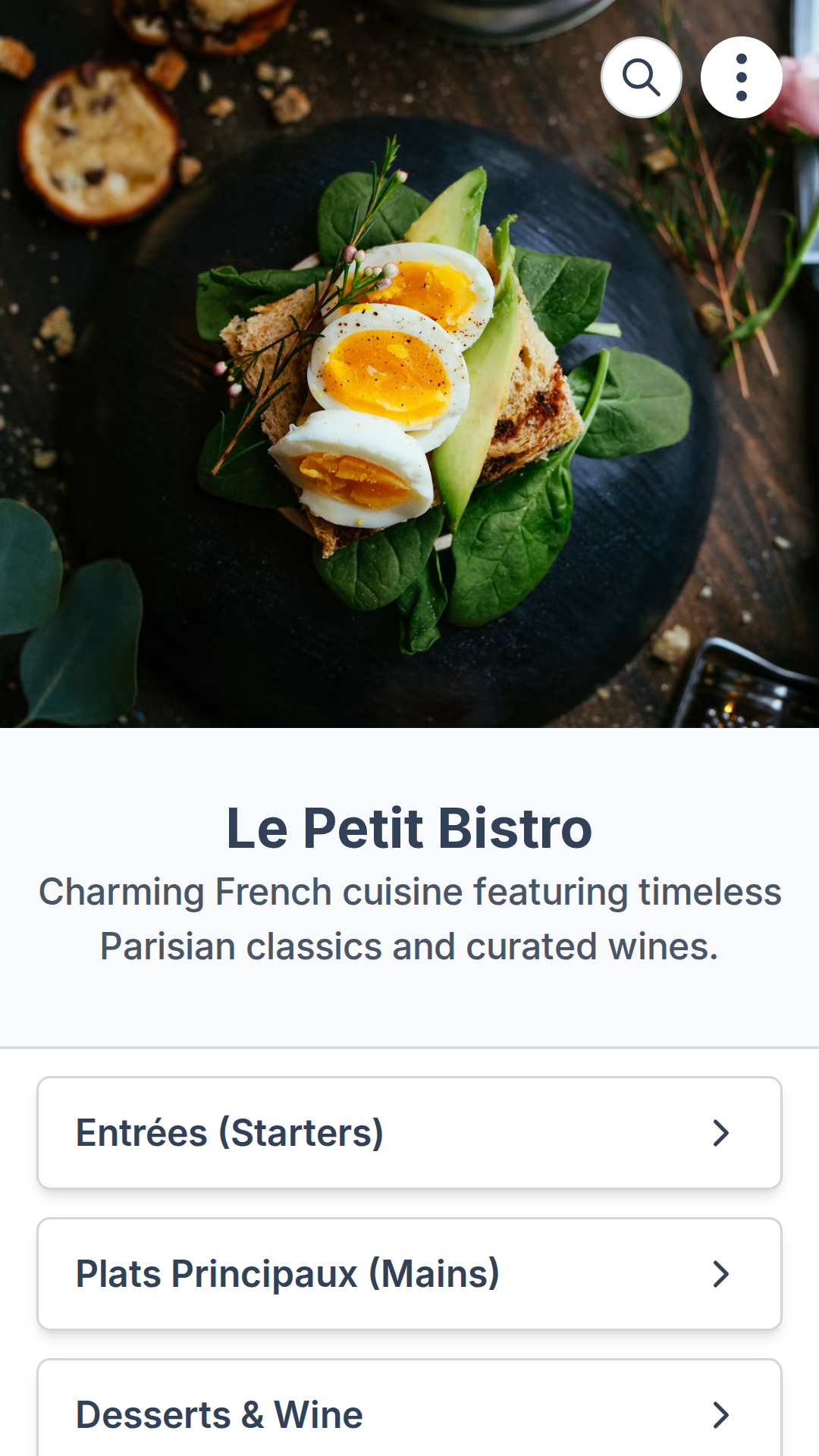
Enter name, description, upload photo and cover image. Also add address, WiFi and contact info if needed.
Step 2: Add menu items
Add sections (categories) and items (dishes) in each section. Each item should has price and image too.
Step 3: Generate QR code
Customize QR code with patterns, color, logo, or shape. Download and share QR code or link to your menu.
Why use Menu QR Codes?
Instant menu updates without reprinting QR codes
Add new items, change prices, update descriptions, and rearrange your menu anytime without the cost and hassle of reprinting QR codes.Enhanced guest experience with mobile-friendly menus
Fast-loading menus that are easy to read on any phone or tablet.Track customer engagement with scan analytics
Monitor how many times your menu is scanned and by whom, helping you understand customer behavior.No PDF downloads or pinching to zoom required
Enjoy a seamless experience with no need for additional apps or actions.
Enhanced features for Menu QR Codes
Password-protected menus
Protect your menu with a password so only authorized guests (for example, staff or VIP events) can view it.
Scheduling & expiry
Schedule when your QR code is active or let it expire after a date, perfect for seasonal or event menus.
Scan limits
Limit the total number of scans for special campaigns or private menus.
Custom back-half
Use branded, readable URLs so your menu links look professional and on-brand.
White-label domain
On Business plans, use your own restaurant or hotel domain for complete white-label branding.
Organize into folders
Store breakfast, lunch, dinner, and bar menus in separate folders to keep everything organized.
Best use cases for Menu QR Codes
Restaurants & Cafes
Display food, drinks, seasonal items, and weekly specials on a single QR code menu.
Bars & Clubs
Share cocktail lists, wine lists, bottle menus, and late-night specials with easy updates.
Hotels & Resorts
Use QR codes for room service menus, spa menus, poolside snacks, and restaurant outlets.
Food Trucks & Pop-ups
Quickly update menus that change daily or seasonally without reprinting anything.
Events & Catering
Share event menus, buffet options, or tasting menus for weddings, conferences, and parties.
Multilingual Menus
Provide separate menus for different languages by creating dedicated menu QR codes.
Tips for better Menu QR Codes
Use high-quality, optimized images so menu pages load quickly.
Keep your menu updated to avoid customer confusion and out-of-stock items.
Add your logo and brand colors for a consistent restaurant experience.
Create separate Menu QR Codes for breakfast, lunch, dinner, and drinks if needed.
Test your QR codes on multiple devices before printing them at scale.
FAQs
Yes. With ZodQR, you can create an online menu for free. Your menu comes with unlimited scans and never expires.
Free menu can add upto 20 items/dishes per menu. But since ZodQR allow you to create 5 free dynamic QR codes, you can have 5 free menu active.
No. Your menu remains active forever, even for free menu.
Yes. Freely updating your categories, items, price, or images anytime. Your menu QR code and link continue working.
Free users can track total scans of the menu. If you want advanced analytics like scan time, device,..., upgrade to any paid plans.
ZodQR's menu QR code is free to create, so you can start right away to convert your paper menu into a digital version. If you need advanced features, ZodQR's offers the best price for you.