
Free Link to QR Code Generator
Convert any link into to QR code. Add UTM parameters. Unlimited scans & never expire.








What is an URL QR code
A URL QR Code will direct users to a website when scanned. It can be used for marketing, promotions, events, and more.
- Static: The URL is fixed and cannot be changed after creation.
- Dynamic: The URL can be changed anytime without reprinting the QR code.
How to Convert a Link to QR code (3 Steps)
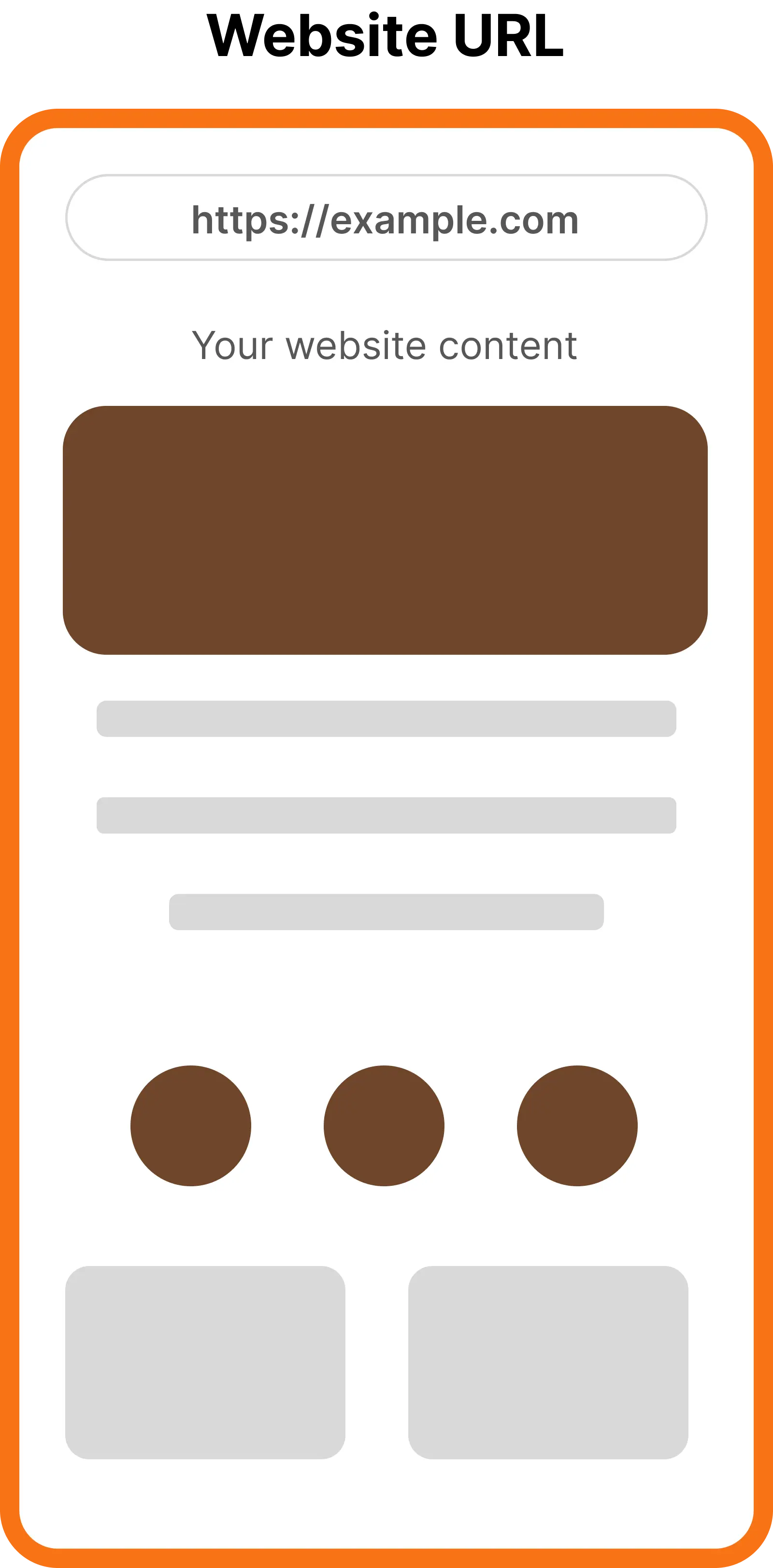
Step 1: Enter link
Enter the URL you want to direct users to to when they scan the QR.
Step 2: Add UTM parameters
Toggle the "Add UTM params" options, add parameters that using in your campaign.
Step 3: Generate QR code
Customize QR code with patterns, colors, frame, or add logo. Download and share your QR code.
Best use cases for Static URL QR Codes
Business Cards
Link to your website or portfolio. The destination rarely changes, and the code works forever.
Social Profiles
Send people straight to your Instagram, LinkedIn, or YouTube page.
Invitations
Add a permanent link to an RSVP page or event details on printed invitations.
Product Labels
Point to a fixed manual, spec sheet, or support page that stays the same.
Museums & Exhibits
Share background info on displays and artifacts with a simple, lasting link.
Personal Use
Share a resume, portfolio, or any link you don't need to edit or track.
Best use cases for Dynamic URL QR Codes
Marketing Campaigns
Switch landing pages or offers anytime without reprinting the code.
Events
Move from registration to schedules, live updates, and photos with one code.
Restaurants
Update menus and specials instantly while tables keep the same QR code.
Packaging
Change manuals, warranty info, or promo pages after products are already printed.
Education
Keep course materials and assignment links current with a single code.
Product Launches
Redirect from teasers to demos and offers as your launch evolves.
FAQs
Yes. With ZodQR, you can create free QR codes for website URL. There are static and dynamic type, you can create unlimited static URL QRs, but you can only have 5 active dynamic QR code with free account.
You need to generate dynamic QR code to change the URL after your QR code printed. It's free - you can change the URL any time without reprinting your QR.
Yes. Adding UTM parameters is free with ZodQR. Turn on the UTM option when you create QR code and add parameters as your needed.
You can track how your QR codes scanned with dynamic URL QR code. Free account can see total scans of all QRs. T