
Free Feedback QR Code Generator
Collect customer feedback with a mobile-friendly feedback form. Unlimited scans & never expire.




What is a Feedback Form QR Code?
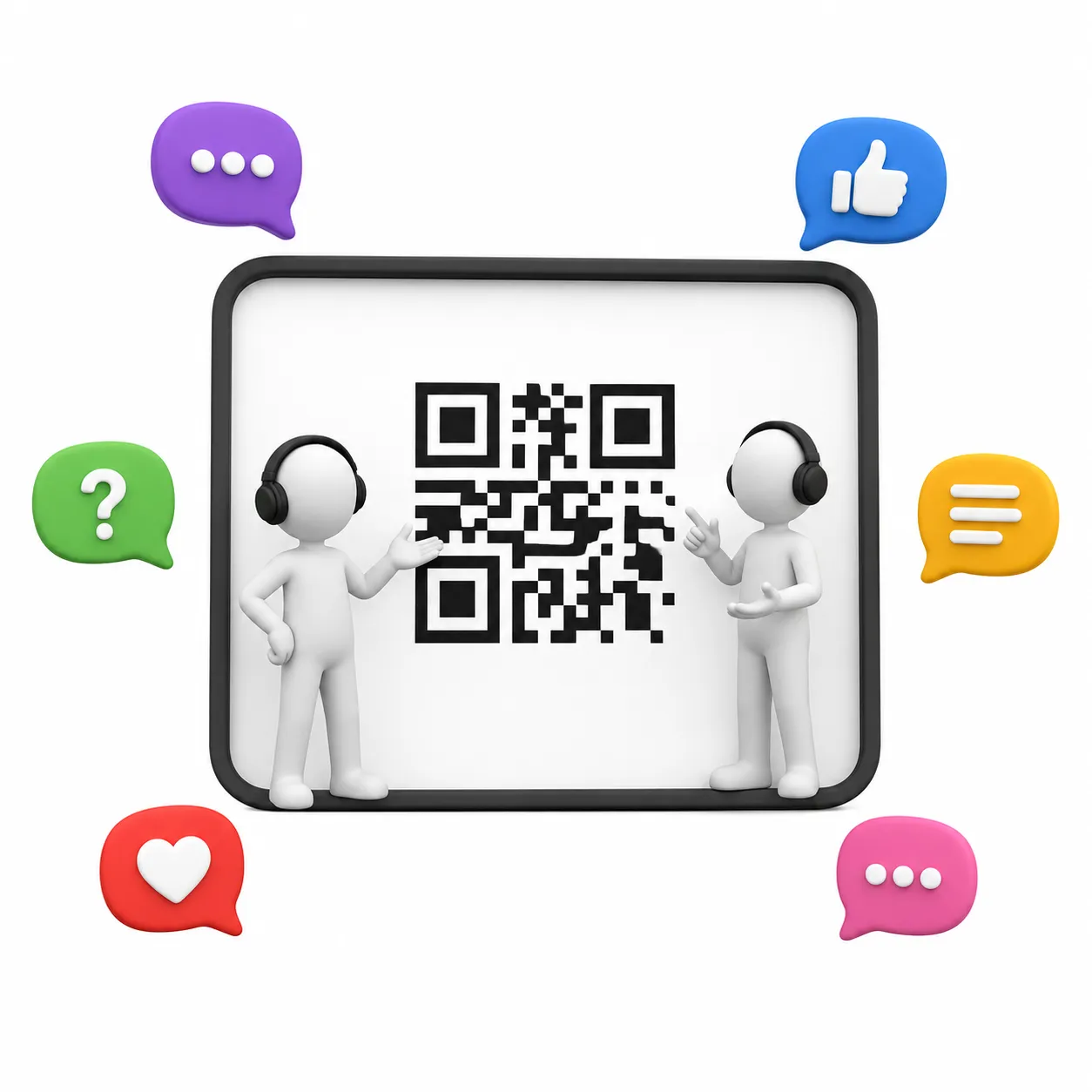
ZodQR's Feedback QR code is a dynamic QR code solution which allow you to collect unlimited quality responses from your customers/audiences/users for free. You can add information about your feedback like name, title, description, add multiple categories/sub-categories you want to collect feedback. When scans, your users will see a mobile-friendly feedback page and rate your service from 1 to 5 score (stars-style), and optional add comment about each service categories.
What information can I add to Feedback QR Code?
When creating QR code for Feedback with ZodQR, you will have a mobile-friendly page with following elements:
- Name of the feedback, or name of your company
- Additional title and description about the feedback
- Link to your main website
- Multiple categories / sub-categories, each with their own title, input to collect score in stars-style and button open comment for each category.
Why ZodQR is the best free QR code generator for collecting feedback with form?
- No paid subscription required: with ZodQR, you can generate Feedback QR code, keep it active forever without paying for monthly subscription.
- Customizable QR code: custom QR code color, shape, and add logo to your QR code is totally free with ZodQR.
- Advanced QR code features available for free: set password, schedule or set scan limit for your QR. You can also add tags or place your new QR in a folder for better management.
- QR code will never expire: QR code generated with ZodQR will never expire, even if you are in the Free forever plan.
- Full-suite QR code solutions: ZodQR is not only an Feedback QR code generator. We have 30+ QR code solutions for all business purpose, and all free to use.
How to create Feedback QR Codes with ZodQR?
- Sign up for a free forever account.
- Open the Dashboard and select Create QR Code > Feedback.
- Enter your feedback details, including the form name, title, description, website link, and categories.
- Configure your QR with password protection, scheduling, scan limits, tags, or folder placement if needed.
- Style your QR with colors, shapes, and a logo.
- Save your QR and download it.
Frequently Asked Questions
Yes. With ZodQR, you can create Feedback QR codes for free. Sign up for a free forever account and start today.
Yes. You can customize color, body shape and eye shape to match your brand.
Yes, adding logo to any QR code is free with ZodQR. To use your own logo, sign up a free account and generate QR from Dashboard.
No. A Feedback QR code will never been expire, as long as you keep your active QR number below your plan limit. Free user can keep 5 QR codes active forever.
You can collect unlimited responses for free. However, free account can only see the feedback from the last 7 days.
No. Every QR codes generated with ZodQR get unlimited scans.
It's simple. Follow the steps in the “How to create a QR Code for Feedback form with ZodQR?” section.
You can get the score and comment from your customers. And since it is a dynamic QR type, you can also tracking the QR scans info, such as time, location and their device info.